AI TOOL / #10696
CANVID for Windows
Screen recording tool with auto-enhancement to easily create professional videos.
Introduction
Screen recording tool with automatic enhancements for creating professional videos easily.
What is Canvid?
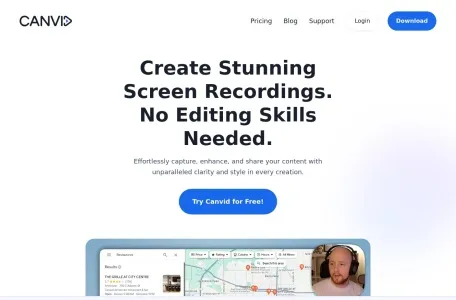
Canvid is a screen recording tool designed to easily capture, enhance and share screen recordings. It offers features like smooth mouse movement, auto-zooming, cinematic motion blur, and background effects, making it ideal for creating high-quality presentations, tutorials, and promotional videos without advanced editing skills.
How to use Canvid?
Capture the screen with just one click, enhance it with auto-zoom and AI background effects, add subtitles, and finally share the finished video instantly via cloud upload or local save.
Canvid’s core features
Auto scaling
AI background effect
Automatic subtitles and transcriptions
Simple screen recording
Share instantly
AI enhanced speech
Creative camera features
AI background effect
Automatic subtitles and transcriptions
Simple screen recording
Share instantly
AI enhanced speech
Creative camera features
Related
Vocca
An AI receptionist provided for clinics to handle incoming calls, schedule appointments, and reduce costs.
mirrArt
Mirr.Art uses AI to assist artists in planning, promoting, and selling their artworks, and also provides support to collectors.
ChatWork
A multi-task application integration tool that incorporates AI-based chat functionality.
iChatWithGPT
A personal AI assistant in iMessage for various tasks.
sensehq.com
A talent interaction platform that automates recruitment processes and enhances the experience of candidates.
CaseGen.ai
An AI communication platform built to provide 24/7 support for personal injury law firms.