AI TOOL / #02334
MacCopilot
A native macOS auxiliary application designed for use on screens where interactions with AI technologies take place.
Introduction
Native macOS copilot app for screen interaction with AI.
What is MacCopilot?
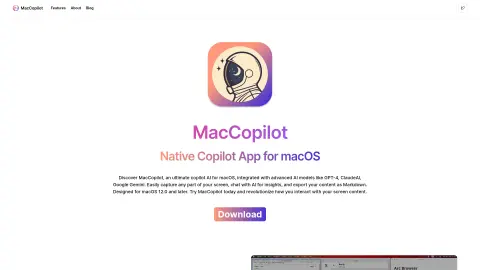
MacCopilot is a native macOS utility that can intelligently interact with the content on your screen. It integrates AI models such as GPT-4o or Gemini, allowing it to capture screenshots effortlessly and seamlessly connect with various AI platforms, thereby enhancing both productivity and creativity.
How to use MacCopilot?
To use MacCopilot, first activate your license by going to Preferences > General. Then, add the AI model by selecting Preferences > Models > Add Model. Use the menu options “Capture” or “Capture previous area” to capture the screen content. Press the ESC key to exit the selection process.
The core functions of MacCopilot
AI-driven interaction: Communicating with AI models regarding the content displayed on the screen.
Flexible screenshot capture: You can select and capture any part of the screen.
Seamless multi-platform support: Allows connection to multiple AI models, including OpenAI, Google, Anthropic, and Ollama.
Flexible screenshot capture: You can select and capture any part of the screen.
Seamless multi-platform support: Allows connection to multiple AI models, including OpenAI, Google, Anthropic, and Ollama.
Related
Reassurance AI (Beta)
A platform where creators can generate income through tips, membership fees, and sales.
CleanView by ActiveFence
A free browser extension that obscures and desaturates online content that poses security risks, thereby protecting professionals working in this field.
SmileAI
Leverage AI-powered applications designed to foster positive emotions and mental well-being.
BlissBot
AI chatbot for mental, emotion...
Soulnests
An AI-based diary app dedicated to promoting emotional well-being and personal growth.
iprevail.com
iPrevail provides on-demand mental health support, including peer counseling, guidance, and learning programs.