AI TOOL / #02660
Grok Button
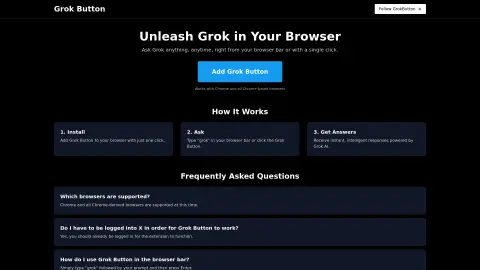
A browser extension that provides quick access to Grok AI.
Introduction
A browser extension for quick access to Grok AI.
What is a Grok Button?
The Grok button is a browser extension that seamlessly integrates the powerful capabilities of Grok AI into your web browser. Users can submit their questions by entering “grok {your question}” in the browser address bar or by clicking the Grok button, and they will receive instant, intelligent responses.
How to use the Grok Button?
Install the Grok button extension. To use it, enter “grok” followed by your question in the browser address bar, then press Enter, or click the Grok button.
The core functionality of the Grok Button
Quickly access Grok AI from your browser.
Answer questions immediately
Integration with Chrome and Chrome-based browsers
Answer questions immediately
Integration with Chrome and Chrome-based browsers
Related
helloello.com
Ello is a read-along app that uses AI to teach children how to read.
Notes keeper – speech to text
A simple notepad application used for creating, editing, and organizing notes and reminders.
LipSurf – Voice Control for the Web
A voice-controlled browser extension for hands-free browsing and increased productivity.
Transcriptmate.com
On-demand audio/video transcription service, equipped with AI-based content generation capabilities.
Deep Infra
A platform designed for deploying and running machine learning models, featuring a simple API and a pay-as-you-go pricing model.
Speech Recognition Extension
A speech-to-text extension for seamless note creation to increase productivity.