AI TOOL / #05988
NaviVoice: Voice Input Productivity Assistant
Voice-activated assistant that enables hands-free computer control and web browsing.
Introduction
Voice-operated assistant for hands-free computer control and internet browsing.
What is the NaviVoice AI Chrome extension/plugin?
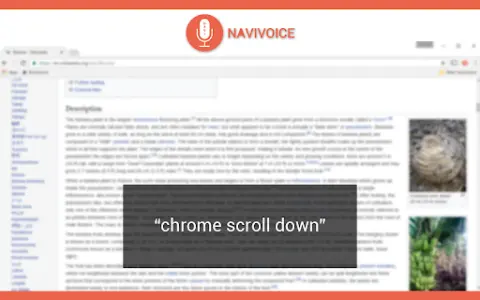
NaviVoice is a voice-controlled productivity assistant that allows users to control their computers and browse the internet using only their voice. It eliminates the need for typing and clicking, making it ideal for users with hand injuries or those who prefer a hands-free experience.
How do I use the NaviVoice AI Chrome extension/plugin?
Install NaviVoice and use your microphone to give voice commands. Say "chrome help" to view available commands.
Core Features of the NaviVoice AI Chrome Extension/Plugin
Voice-Controlled Web Browsing
Click the link using a voice command
Navigate to the website using voice commands
Enter text into a form using voice commands
Control YouTube Videos with Voice Commands
Click the link using a voice command
Navigate to the website using voice commands
Enter text into a form using voice commands
Control YouTube Videos with Voice Commands
Related
translateimg
An online image translator supported by Deepseek AI, capable of handling over 100 different languages.
Hue IQ
An application that provides fashion enthusiasts with color analysis tools to identify the prevailing color trends of the season and help them make informed choices when selecting their clothing.
GPT-4 Vision Screenshot
A tool that uses GPT-4 visual AI to extract answers from screenshots.
Screenshot AI
Screenshot AI utilizes artificial intelligence to extract information from images, thereby simplifying the processes of searching and organizing content.
ModelFusion
An integrated AI platform that offers features such as multi-chat, document analysis, and image generation.
Miros
Miros is a wordless search solution that uses AI to improve product discovery.