AI TOOL / #06300
NirvanaAI extension
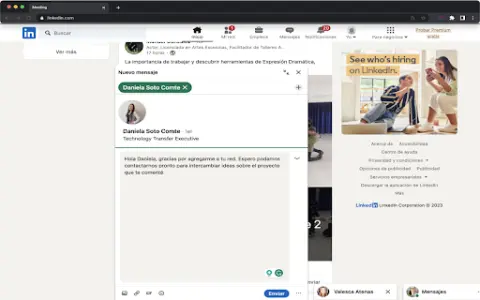
AI-based extensions for spelling correction, transcription, speaker recognition, and email integration.
Introduction
AI-powered extension for spelling, transcription, diarization, and email integration.
What is an AI Productivity Extension, such as the Chrome extension/plug-in for AI?
This extension offers AI-powered spelling correction, video and audio transcription functions, the ability to distinguish between speakers, as well as integration with email systems. Its purpose is to serve as a daily productivity aid for users, helping to simplify various tasks.
How to use the AI Productivity Extension for Chrome? How to install and use this extension/plug-in?
Install the extension in your browser or application. Once the installation is complete, the AI tool will become available within your workflow, allowing you to correct text, transcribe audio/video content, and manage emails.
The core functionality of the AI Productivity Extension for Chrome: an extension/plugin designed to enhance productivity through artificial intelligence technologies.
AI-driven spelling correction
Video and audio transcription
Distinguishing between video and audio speakers
Email integration
Video and audio transcription
Distinguishing between video and audio speakers
Email integration
Related
Youtube Video Summary
Use OpenAI to automatically generate summaries for lengthy transcription texts, and it supports multiple languages.
Point Is: AI Summary & Search
AI-based tools designed for summarizing and searching various types of files.
Vulse
A B2B employee communication platform and a LinkedIn content management system, both equipped with AI-powered tools.
AI Summary Pro: Instant Text & Page Insights
Chrome extension that provides AI functionality for web and PDF summarization in multiple languages.
FTech Summarizer
A Chrome extension for summarizing online content using OpenAI technology.
Glance
A Chrome extension designed for AI-powered web content summarization.