AI TOOL / #06325
ChatGPT Voice Assistant
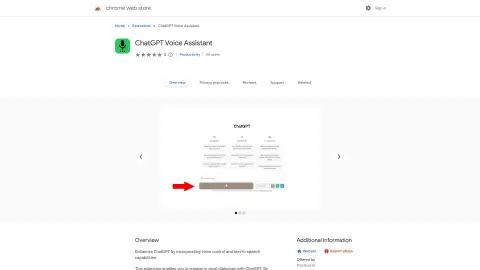
The voice-activated ChatGPT interface supports text-to-speech conversion and multiple languages.
Introduction
Voice-activated ChatGPT interface with text-to-speech and multi-language support.
What is the ChatGPT Voice AI Chrome extension/plug-in?
This tool allows you to capture voice input and send it to ChatGPT. The responses generated by the system can be listened to aloud (this option can be disabled if desired). It supports multiple languages, and you can start capturing voice data by clicking the microphone button or holding down the spacebar.
How to use the ChatGPT Voice AI Chrome extension/plug-in?
Click the microphone button or hold down the spacebar to record your voice input. This tool will send your recorded voice to ChatGPT, which will then read out the response. You can also choose to disable the text-to-speech function if you prefer to read the responses directly.
The core functions of the ChatGPT Voice AI Chrome extension/plug-in
Voice input for ChatGPT
Text-to-speech output generated by ChatGPT
Multilingual support
Capture voice input using the microphone button or the spacebar.
Text-to-speech output generated by ChatGPT
Multilingual support
Capture voice input using the microphone button or the spacebar.
Related
AIGA – AI Agent Agency
Provide customized artificial intelligence agents for business automation to enhance efficiency and increase revenue.
Navismart AI
An AI-powered immigration assistance tool that provides eligibility checks, document support, and service referrals.
TechPeek
Legal intelligence applications enhance productivity by automating legal workflows.
Domestic Violence Statute Matcher
Artificial intelligence platforms assist advocates against domestic violence in quickly locating relevant laws and providing support to survivors.
Advomate
Artificial intelligence tools that automate legal processes, such as research, document review, and regulatory analysis.
LexWorkplace
Cloud document and email management software for law firms.