AI TOOL / #06683
VoiceChatter
Convert speech into text in Chatter format.
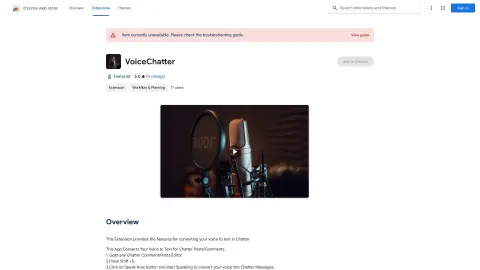
Introduction
Converts voice to text for Chatter posts and comments.
What is the Voice to Chatter Converter AI Chrome extension/plug-in?
This application converts your voice into text for Chatter, allowing you to create messages quickly and easily using voice recognition technology.
How to use the Voice to Chatter Converter AI Chrome extension/plug-in?
1. Open any Chatter comment/posting editor.
2. Press Shift + S.
3. Click the “Speak Now” button and start speaking; your voice will be converted into a Chatter message.
The core functionality of the Voice to Chatter Converter AI Chrome extension/plug-in
Chatter's text-to-speech function
Related
Aisera
An intelligent AI platform designed for enterprises, aimed at increasing revenue, boosting productivity, and reducing costs.
Aurore.ai
Aurore.ai is an AI companion that provides support and companionship for both gaming and work activities.
Gnbly
An AI assistant used for handling phone calls, making reservations, providing customer service, and evaluating the potential suitability of new customers.
heyLibby
An artificial intelligence assistant designed to assist with interactions with potential customers, eligibility verification, and appointment scheduling – especially ideal for small businesses.
nettle.ai
Using mixed reality technology to create realistic digital humans for a “physical + digital” experience.
Call AI – Smart Call Assistant
An AI-powered virtual call assistant for call handling, appointment scheduling, and spam call blocking.