AI TOOL / #06796
AutoPod
An Adobe Premiere Pro plugin for automatic video podcast editing.
Introduction
Adobe Premiere Pro plugin for automatic video podcast editing.
What is AutoPod?
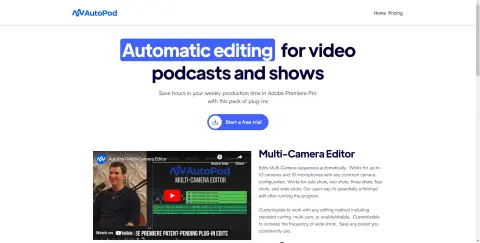
AutoPod is a set of plugins for Adobe Premiere Pro, designed specifically for video podcast and video program editors. It automates tasks such as multi-camera editing, creation of social media-ready content, and seamless editing based on audio silence markers. By streamlining processes that often prove time-consuming for editors, AutoPod helps to save valuable production time every week.
How to use AutoPod?
Install the AutoPod plugin in Adobe Premiere Pro. Open a project file in Premiere Pro, navigate to Window > Extensions, and then click on the desired AutoPod application. Use these tools to automatically edit multi-camera videos, create social media-ready clips, or add transitions based on audio silence.
The core functions of AutoPod
Automatic multi-camera editing
Social media content creation
Jump-cut editing
Social media content creation
Jump-cut editing
Related
Breadcrumbs Copilot
An enterprise-level potential customer scoring platform designed to optimize the sales process and increase the conversion rate of MQLs into Opps.
JobCopilot
An intelligent platform that increases the chances of obtaining interviews by automating the process of submitting job applications.
PBI Pilot – Seu assistente de Power BI
Power BI utilizes generative artificial intelligence to enable real-time data interaction, queries, and chart generation.
DataSquirrel.ai
An AI-powered data analytics platform for non-technical users that automates data cleaning, analysis, and visualization.
reeyee
Code-free AI-driven platform for building professional dashboard websites.
Kvery.io
An AI-powered SQL editor for database management and automation.