AI TOOL / #07091
ScreenRedact
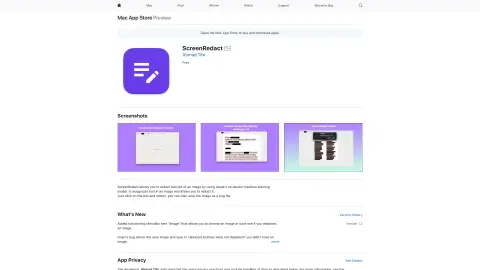
A Mac application designed to use local machine learning techniques to identify and highlight text within images.
Introduction
Mac app for redacting text in images using on-device machine learning.
What is ScreenRedact?
ScreenRedact is a Mac application developed by Ahmad Tibi that allows users to quickly conceal sensitive information from images. It utilizes Apple’s native machine learning technology to identify text within images and provides a user-friendly interface for masking those areas. The modified images can then be saved in PNG format.
How to use ScreenRedact?
Open an image in ScreenRedact, and the application will automatically detect any text present. Click on the text to darken it. Save the darkened image as a PNG file.
The core functions of ScreenRedact
Using Apple’s native machine learning technologies for text masking/darkening.
Save the image in PNG format.
Copy the image to the clipboard.
Save the image in PNG format.
Copy the image to the clipboard.
Related
Sublayer AI
Sublayer is a Ruby framework designed for building AI agents and implementing AI-based automation systems.
Caelus AI
Artificial intelligence agents used for social media monitoring, automatic responses, and interacting with users.
Quest Platform
Questera: An AI-driven customer engagement platform that enables the creation of scalable and personalized experiences.
Questflow – Build AI Agents With No Code
A platform that requires no coding, used for building, deploying, and monetizing AI agents in order to automate workflows.
Subatomic
AI Office Assistant: Boost efficiency and drive business growth.
AiGenie
Project partners that utilize AI enable task management and team collaboration through customized AI agents.