AI TOOL / #07070
TranslateAir
AI-driven translation and OCR tools suitable for macOS.
Introduction
AI-powered translation & OCR tool for macOS.
What is TranslateAir?
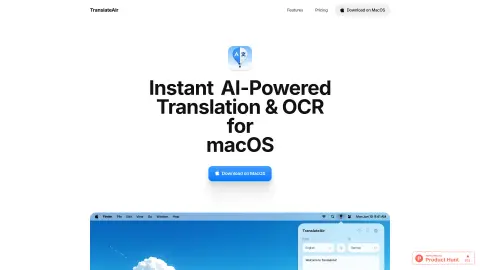
TranslateAir is an AI-powered translation and Optical Character Recognition (OCR) tool designed for macOS. It enables users to instantly translate text from any application, website, or document. Its features include a real-time floating toolbar, intelligent rewriting options, customizable shortcuts, access via the menu bar, as well as advanced OCR capabilities that allow users to capture text from anywhere.
How to use TranslateAir?
Select text from any application, website, or document. A floating toolbar will immediately appear beside it, making the translation process extremely easy. You can also use custom keyboard shortcuts to initiate translations or perform OCR operations.
The core functions of TranslateAir
AI-driven translation
Intelligent rewriting
pop-up translation
Text OCR extraction
keyboard shortcuts
Multi-language support
Intelligent rewriting
pop-up translation
Text OCR extraction
keyboard shortcuts
Multi-language support
Related
Leelo-ai
Leelo AI converts text into natural-sounding speech, supporting a variety of languages and voices.
Outspeed
Outspeed: Develop low-latency AI applications and deploy AI voice assistants that possess emotional intelligence and the ability to retain information.
Speak based on Azure Speech
Text-to-speech extension using Azure Speech with support for multiple languages and Chrome live subtitles.
SupriseGpts
A platform to discover and explore GPT in a fun and simple way.
MS Text-to-Speech Downloader
A tool that allows users to download Microsoft’s synthesized text-to-speech audio files with just one click.
Peech: Text to Speech Reader
Peech is a reader that converts text into audio and supports more than 50 different languages.